Shelves & walls
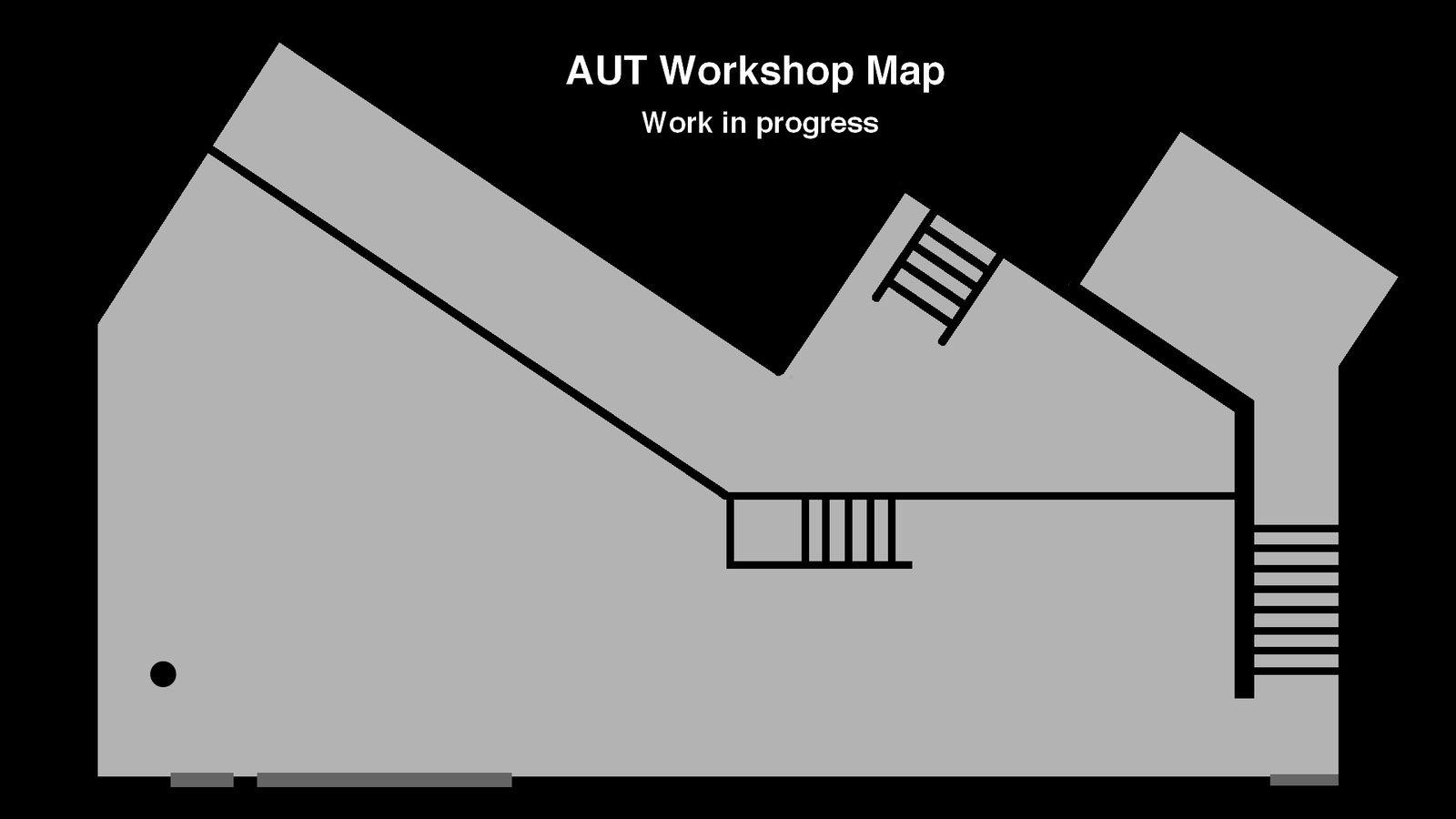
Draw the shelves and walls of the workshop onto the floor plan. Give each level its own close-up photo — items stored there show that photo instead of their own.
Rack 3
Rack 2
Rack 4
Rack 5
Rack 6
Wall 1
Wall 2
Wall
Workbench
Rack 7
Rack 1
Drawers
12 on the map
Drag on the map to draw a box (or just tap to drop a default one). Tap a box to select it, then drag it to move or grab a corner to resize. Shelves hold multiple levels; walls hold one.